Simple Transaction Fees

A small transaction fee will be applied to each successful sale, with the fee varying depending on the currency of the transaction. By default, you can sell in over 135+ currencies.

NGN
USD
GBP
AUD
EUR
GHS
JPY
CAD
NZD
KES
ZAR
ZMW
TZS
UGX
RWF
XAF
CHF
XOF
CNY
XOF
HKD
XOF
EUR
BRL
IDR
MXN
MYR
PHP
KRW
EUR
SEK
THB
TRY
AED
MZN
MWK
SLE
INR
Standard rate
3.8% + NGN 100

per sale

Integrated global payment processors

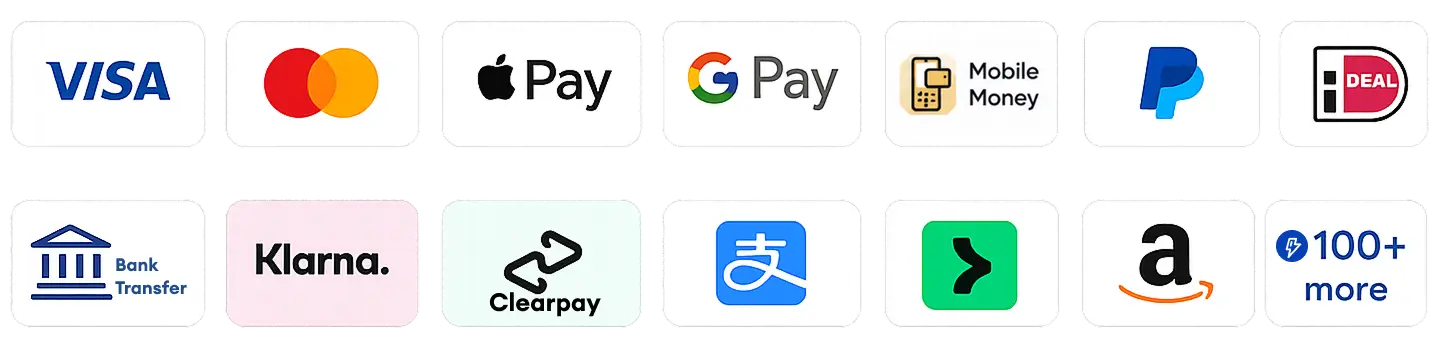
Accept payments and settlements in multiple currencies with a simple integration, no matter where you are. Sell to customers in even the most unexpected destinations and receive payments directly Into your local bank account from your Wallet.
selfany
Transaction Fee Options

Sellers can decide whether to absorb Selfany’s transaction fees, split or pass them on to customers. If you choose to pass on the fees, the full product price will be paid directly to you. You will find this setting when logged in, under Store → Setup.

Instant Payouts
Sell globally and withdraw your earnings the same day. For example, you can sell in USD to a customer in Ghana and withdraw the money into your bank account that same day. You can also sell in GBP to a customer in Canada or anywhere in Africa and receive your earnings in your bank account the same day.
  • Flex Payouts (Instantly into your bank account the same day of sales)
  • Standard Payouts
    • NGN: within 24 hours or instant
    • Other currencies: 4-5 working days
shape shape
Ask us
Ask us
Selfany Logo
Hi there đź‘‹
How can we help you today?

Here's how to complete your purchase smoothly in 2 mins on Selfany.com:

Get the product link and click it so it opens up the product details page.

Click the "Buy Now" button (or any available purchase button labelled).

You may see recommended products — feel free to add them or continue without them.

Proceed to the payment page.

Enter your contact details.

Choose your preferred payment method:

Card

Mobile Money

Bank Transfer

Or other available options

That's all! Your order will be processed instantly.

ENSURE TO USE YOUR CORRECT EMAIL AS THAT IS WHERE THE RECEIPT FOR PURCHASE AND ACCESS WILL BE SENT. YOU CAN ACCESS THE PRODUCT USING THE SAME EMAIL ADDRESS USED TO PURCHASE AFTER YOU HAVE CREATED AN ACCOUNT ON SELFANY.COM.

Watch this video guide if you need further help or contact us if you have any issues.

1. Sell a product or service
Upload your digital or physical products and earn from every sale. Sell to anyone, anywhere in the world. Guide

2. Become an affiliate marketer
Promote other creators’ products and earn a commission on every successful sale. Guide

3. Refer creators or sellers to sign up on Selfany
Earn when your referred users complete an eligible signup. Guide

4. Promote Selfany in your content
Advertise Selfany in your videos, posts, or other content creations and earn from approved promotional activities. Guide

Check our Youtube and Instagram for details<.< /p>

Contact Selfany 24hrs Support

Reach out to Selfany support team

Built by Selfany