
HOW TO CREATE ACAPELLA VIDEOS AT HOME - using your smartphone
First payment of is charged now. Your card is saved and charged automatically on each due date, or if you choose bank transfer you must pay the next insallment on or before due date or lose access to the service without refunds.
Create studio-worthy a cappella content without a studio. Step-by-step training + slides + demos to record clean vocals, build harmonies, shoot crisp videos, and edit like a pro in CapCut.
- Record clear, confident vocals at home (no mic needed).
- Layer harmonies that lock and blend—even as a beginner.
- Shoot clean, flattering videos with natural light and simple angles.
- Sync & edit in CapCut (captions, cuts, transitions, export).
- Finish with a polished 3-part a cappella ready to post anywhere.
THE GAP this course fills up:
Most tutorials assume expensive gear, DAWs, and engineering skills. That shuts out gifted singers—especially beginners, students, or creators on tight budgets.
This Course Fixes It: I show you how to record, arrange, and produce a cappella music using only your smartphone. You’ll achieve layered harmonies, clean vocals, and a polished edit—without studio equipment or heavy theory. It’s practical, affordable, and beginner-friendly.
What’s Inside (modules)
- Module 1: Foundations—what makes great a cappella (sound • harmony • visuals • vibe)
- Module 2: Voice & space—warmups, mic distance, quiet room hacks
- Module 3: iOS (Acapella by Mixcord) basics—grid, count-in, recording takes
- Module 4: Android (Acapella Maker) basics—panels, takes, timing tips
- Module 5: Singing & performance—energy, expression, eye-line, framing
- Module 6: BandLab Mobile—multitrack layering, gain staging, light FX*
- Module 7: Filming after audio—lip-sync, continuity, angles, backgrounds
- Module 8: Syncing audio & video—CapCut timeline, waveforms, perfect lips
- Module 9: Phone settings—resolution, frame rate, lighting, gridlines
- Module 10: Pro edits in CapCut—captions, cuts, transitions, export settings
- Module 11: Mistakes to avoid—noise, timing drifts, cluttered visuals
- Module 12: Final assembly—deliver a 3-part a cappella you’re proud of
Frequently Asked Questions
Q1: Do I need a studio mic or laptop?
No. The course is designed for phone-only creation. Optional BandLab Mobile is free.
Q2: I’m a beginner—can I still blend harmonies?
Yes. I teach simple step-by-step layering and provide practice prompts.
Q3: What if my space is noisy?
You’ll learn room hacks (closets, towels, mic distance) to get clean audio.
Q4: Will this help with video quality?
Yes—phone settings, lighting, framing, and CapCut editing are covered in detail.
Q5: How long before I post my first video?
Most students finish a 3-part a cappella within 7–10 days.
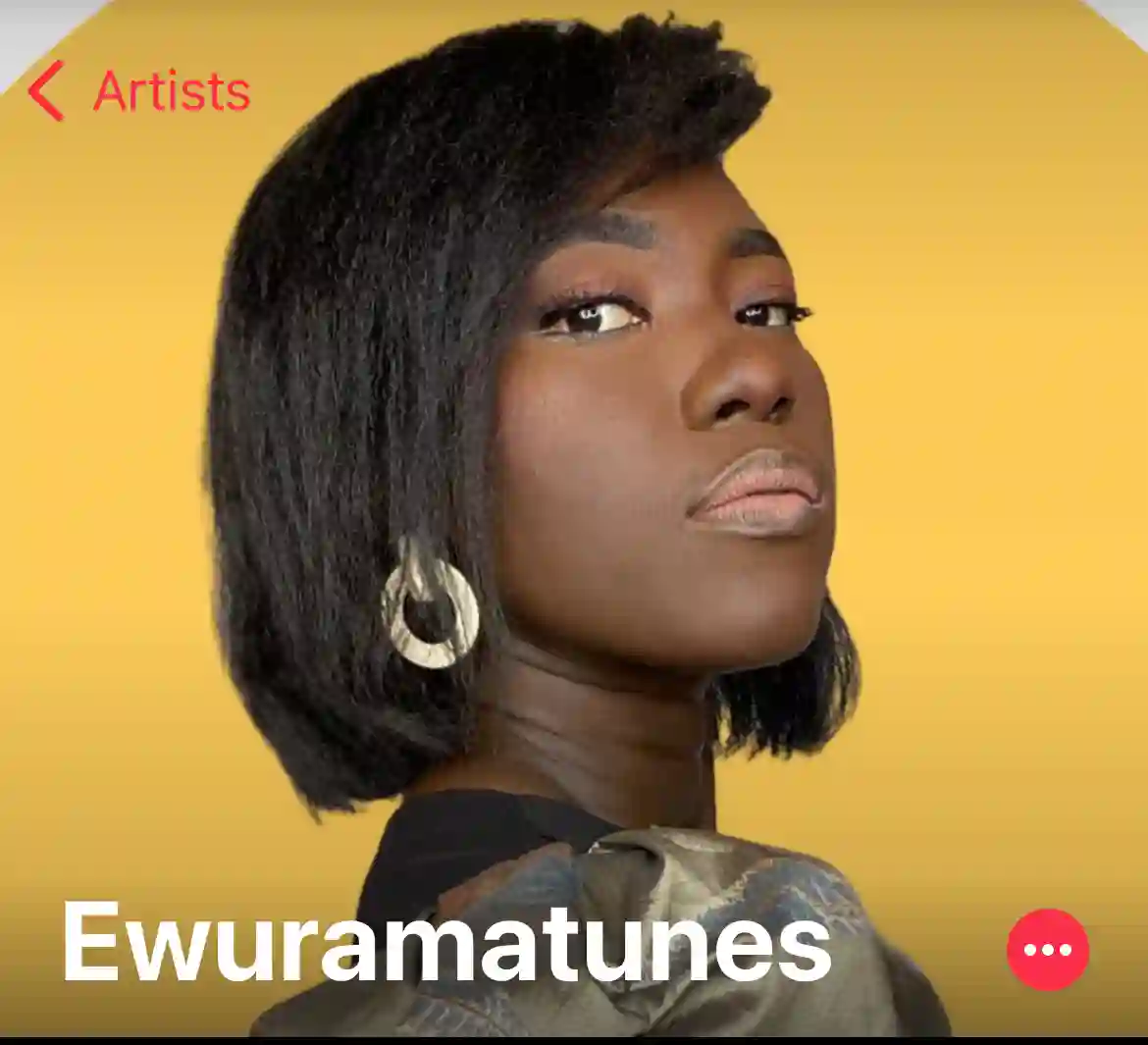 By
EWURAMATUNES
By
EWURAMATUNES
Multiple Payment Methods Supported

Frequently Bought Together
Earn 20% Commission
Recommend this product and earn every time a purchase is made via your link. Issues? WhatsApp support.