
logo

MOBILE FILMING AND EDITING COURSE

This offer ends in:
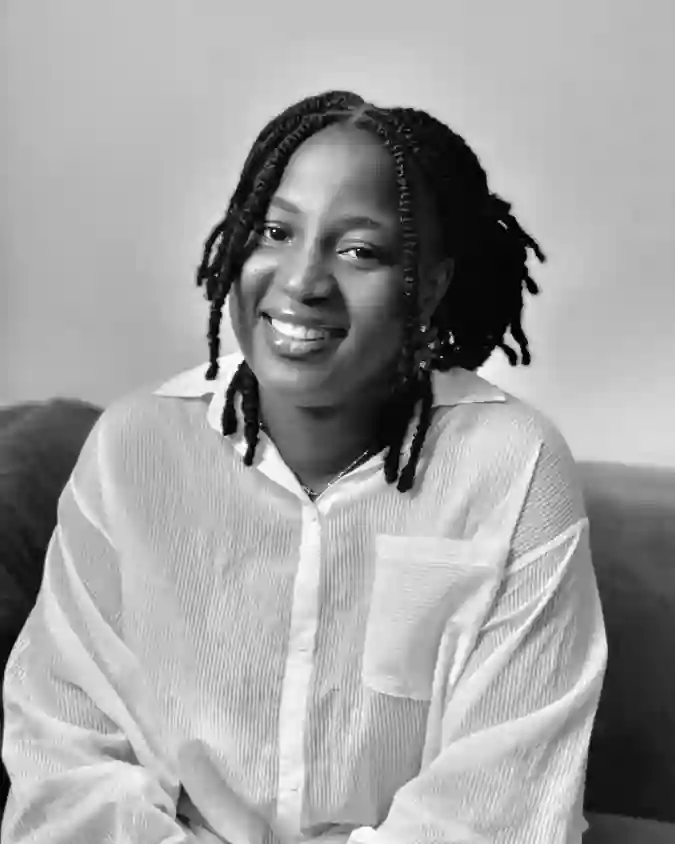
RUTHMOBILEMEDIA RUTH AWOYEMI
Modules
12
Duration
120MINTES
Level
Beginner
Certificate
Yes
Language
English
Product Status
Instant Access
Capacity
Limited

Multiple Payment Methods Supported

Description

Learn how to shoot & edit stunning videos with just your phone! This self-paced course is designed for business owners and content creators who want to confidently create product videos, talking head content, aesthetic shots, and more, without needing fancy gear or prior editing experience.

Inside, you’ll discover real-life setups, practical editing steps (like masking, keyframes, and transitions), and ways to build a scroll-stopping video style that feels like you.

Whether you're a total beginner or already creating content, this course helps you simplify video creation, so you can post with ease and intention.

Contents

Camera Settings
0h 6m
Using natural light source
0h 3m
Artificial light setup for Talking head videos
0h 1m
Best Export Settings On Capcut
0h 2m
Your Camera Settings Handbook
Shot type versus Camera angle
Camera Angle for Talking head Videos
0h 1m
Vlog Camera angles
0h 1m
Ceiling Camera Angle & Result
0h 1m
Door POV & Result
0h 1m
Vlog Edit
0h 10m
Vlog Result
0h 1m
Clone Camera angle & Result
0h 1m
4 Common Shot Types To Try
0h 1m
Shot types for Store Activities
0h 1m
Shot types to film Working on Laptop
0h 1m
Understanding Capcut interphase PART 1
0h 4m
Understanding Capcut Interphase PART 2
0h 5m
How to Expand & Shrink Capcut Interphase
0h 1m
Mask Overview
0h 1m
Horizontal Mask(Clone video)
0h 1m
Mirror Mask (Product reveal)
0h 1m
Circle Mask 1
0h 1m
Circle Mask 2
0h 1m
Circle mask 3
0h 1m
Rectangle Mask 1
0h 1m
Rectangle Mask 2
0h 1m
Love & Star Mask
0h 1m
Using hand to adjust mask line
0h 1m
Using setting tool to adjust mask line
0h 1m
Keyframe overview
0h 2m
Zooming in & Out Using keyframe
0h 1m
Product Animation Using Keyframe
0h 1m
How to extract Audio
0h 1m
How to trace the beat of any music
0h 1m
How to use sound effects
0h 1m
Text to Speech
0h 1m
Typing animation and sound effects
0h 1m
Voiceover & Audio Layering
0h 1m
Fix harsh audio from mic
0h 1m
Step 1 (Cutting out pauses)
0h 1m
Step 2 (Audio enhancement)
0h 1m
Step 3 (Merging Enhanced Audio to the video)
0h 1m
Blur Video Background (Optional)
0h 1m
Step 4 (Adding Transitions)
0h 1m
Placing Text behind subject explained
0h 1m
Step 5 (Adding Overlays)
0h 1m
Step 6a (Simple Caption Formating)
0h 1m
Step 6b (Advanced caption formatting)
0h 1m
Step 7 (Adding Background Music)
0h 1m
What you should note about color grading
0h 1m
Cinematic vibe Color grading
0h 1m
Soft vibe color grading
0h 1m
How to Create Preset
0h 1m
Preset in Action
0h 1m
Plan your Shots
0h 1m
Camera Angles for unboxing video explained
0h 1m
Filming Unboxing video
0h 1m
Editing part 1
0h 1m
Editing part 2
0h 1m
Another Establishing shot to try
0h 1m
2nd Unboxing Video BTS
0h 1m
Editing 2nd Unboxing video part 1
0h 1m
Editing 2nd Unboxing video part 2
0h 1m
Tripod & Light Placement in the shower
0h 1m
Cool way to capture your shower
0h 1m
Dry Shower Shots
0h 1m
Wet Shower Shots
0h 1m
Editing Shower Routine part 1
0h 1m
Editing Shower Routine part 2
0h 1m
Editing Shower Routine part 3 (Adding text)
0h 1m
Result
0h 1m
Fast Forward Shutter Effect
0h 1m
Human transition 1 (BTS)
0h 1m
Human transition 1 (Editing)
0h 1m
Human transition 1 (Result)
0h 1m
Human transition 2 (BTS)
0h 1m
Human transition 2 (Editing)
0h 1m
Human transition 2 (Result)
0h 1m
Typing Overlay edit
0h 1m
Tissue Method Explained
0h 1m
Editing the Tissue clip
0h 1m
Pan camera movement
0h 1m
Pull back camera movement
0h 1m
Another Tissue method clip
0h 1m
3 Product displays & Results
0h 1m
Close-up of Product Texture
0h 1m
Object Rotating Hack
0h 1m
Product stop motion edit + sound effect
0h 1m
Product Jumpcut Edit
0h 1m
Simple Product display (BTS + Result)
0h 1m
Simple Product display (Editing)
0h 1m
Greenscreen Object Reveal
0h 1m
Greenscreen object pull out
0h 1m
Finger Snap Transition
0h 1m
Mask Swipe Transition
0h 1m
Product Swipe Out Transition
0h 1m
Remote Control Transition (with bags)
0h 1m
Remote Control using mask
0h 1m
Reverse Transition
0h 1m
Shake Transition
0h 1m
Shoe Reverse Transition
0h 1m
Simple Transition + BTS
0h 1m
Bag Unpacked Animation
0h 8m
1 action from 3 angles
0h 1m
Continuous human movement
0h 1m
Creative hand movement to try
0h 1m
Film object on the floor
0h 1m
How to film your signage
0h 1m
Nylon POV
0h 1m
Shelve Reverse ROV
0h 1m
The editing flow on Capcut
0h 1m
Storytelling through editing
0h 1m
Filming Mannequin
0h 1m
Mannequin editing
0h 1m
Gadgets Recommendation
0h 1m
Softbox setup
0h 1m

Access Courses On :

Report Content →

Earn 20% Commission

Earn 20% commission off this product, every time a purchase is made using your link. Recommend this product and earn! If you have any technical issue Whatsapp Support Team.
You may also like these

Loading recommended products...

No recommended products available

Items:
Subtotal:
Ask Us