
Earn 33% commission off this product, every time a purchase is made using your link. Recommend this product and earn! If you have any technical issue Whatsapp Support Team.
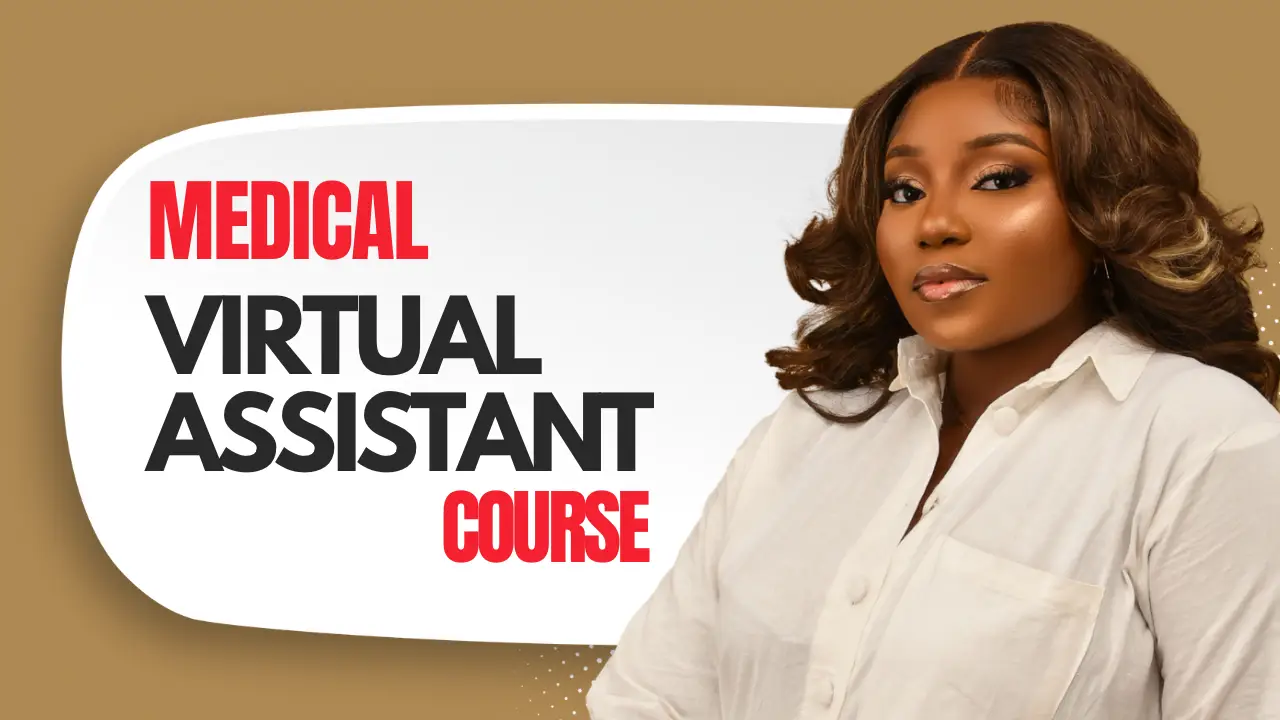
This mentorship program is ideal for individuals who want personalized guidance, accountability, and support throughout their Virtual Assistant journey.
It is particularly suitable for those who want to offer multiple VA services, explore different niches, and receive hands-on assistance while building their career.
This mentorship covers:
Administrative Support
Social Media Management
Customer Support
Access to me via WhatsApp chat and voice notes during support hours for guidance, questions, and feedback.
One-on-one coaching calls are available when necessary and will be scheduled in advance.
Please note that unscheduled phone calls may not be attended to.
I will either revamp your existing CV or create an ATS-friendly CV that aligns with your career goals.
Your LinkedIn profile will be optimized to help you attract recruiters, clients, and professional opportunities.
Guidance on optimizing your Instagram and X (Twitter) profiles for professional positioning and visibility.
Step-by-step guidance on creating a professional Virtual Assistant portfolio that showcases your skills and services.
Support in creating a content strategy and calendar that helps position you as a Virtual Assistant online.
Learn practical methods for finding, approaching, and securing clients effectively.
You will receive access to:
VA Training Videos
Templates
Guides
Checklists
My Virtual Assistant Toolkit
All resources have been carefully selected to support your learning and implementation.
Follow the training materials provided.
Complete the recommended exercises and tasks.
Take notes as you learn.
Reach out when you need clarification or support.
Attend scheduled coaching sessions when required.
Apply what you learn consistently.
Certificate of Completion
Access to the 30-Day LinkedIn Challenge
This mentorship is designed to provide the structure, guidance, and support needed to help you confidently start and grow your Virtual Assistant career.
Important: This mentorship is designed to guide and support you throughout your learning journey. However, your results will depend on your consistency, commitment, and willingness to implement what is taught.
This is a beginner-friendly mentorship program designed for individuals who are new to Virtual Assistance or looking to build a solid foundation in the field.
The training covers Administrative Support, Social Media Management, and Customer Support at an introductory level. The goal is to help you understand the fundamentals, gain practical knowledge, and identify areas you may wish to specialize in later.
Please note that this is not an advanced or specialized training program. If your goal is to gain in-depth expertise in a specific niche, you may need to enroll in a dedicated specialized course after completing this mentorship.
This mentorship focuses on helping you get started, build confidence, and develop the foundational skills needed to begin your Virtual Assistant journey.
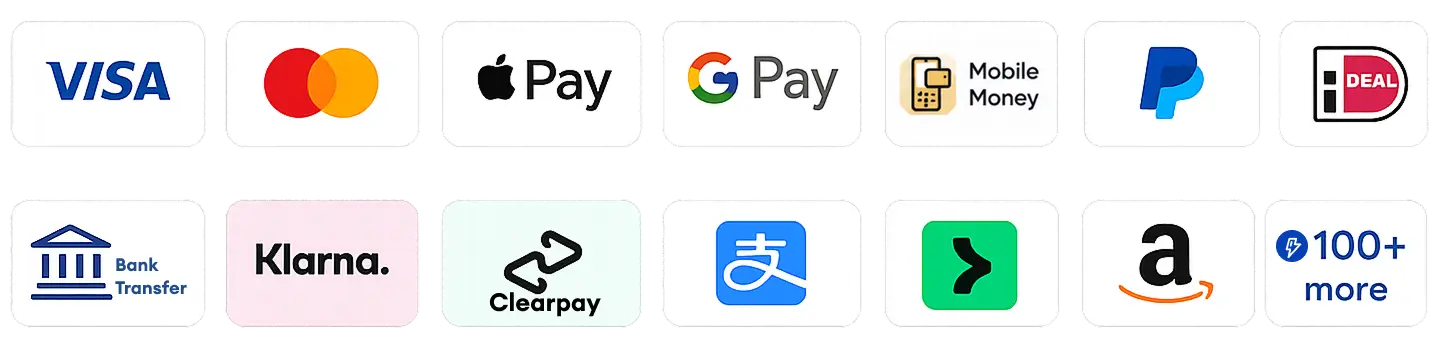
Multiple Payment Methods Supported
Earn 33% commission off this product, every time a purchase is made using your link. Recommend this product and earn! If you have any technical issue Whatsapp Support Team.
🔒 Secured by Stripe · All payments are encrypted
Amount to pay via
Read More
No recommended products available

Mariam Bello
Creator has not displayed their contacts.