All in one Adobe Photoshop beginner to professional Course
First payment of is charged now. Your card is saved and charged automatically on each due date, or if you choose bank transfer you must pay the next insallment on or before due date or lose access to the service without refunds.
COURSE DESCRIPTION
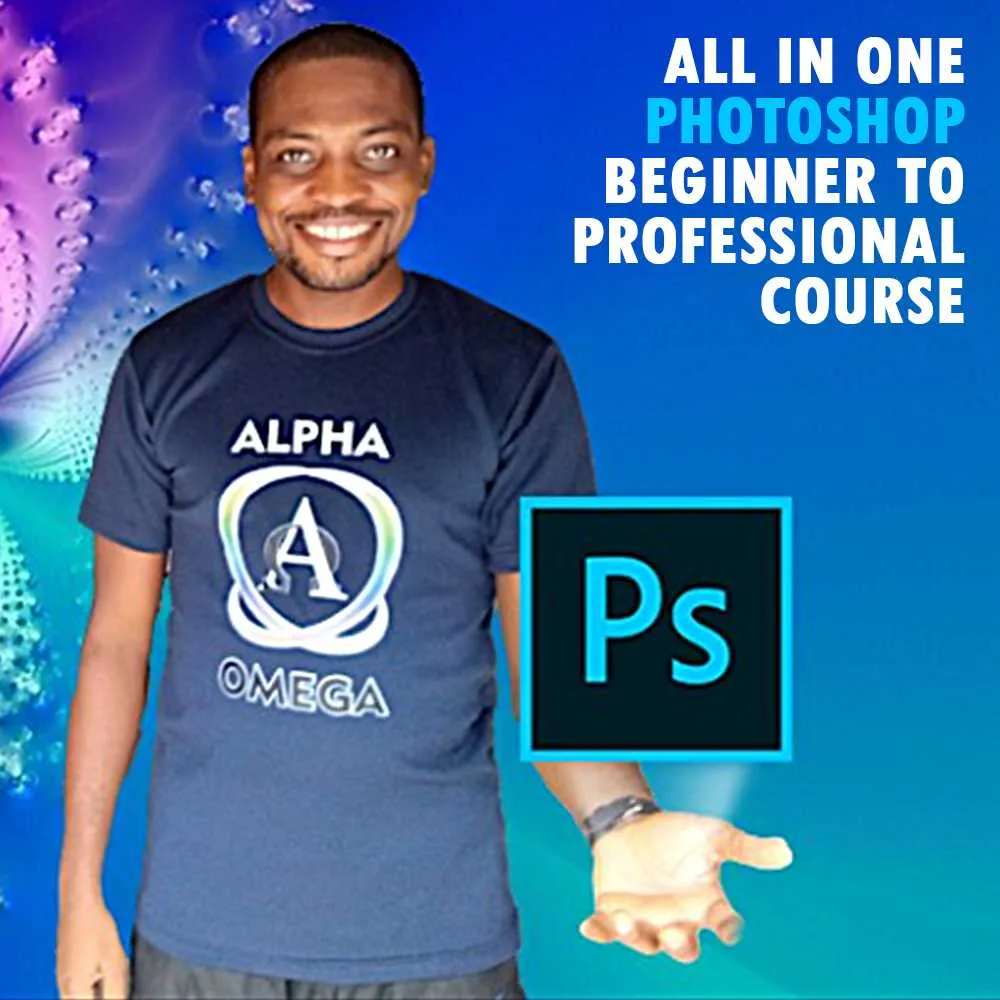
All in One Adobe Photoshop training course is just as the name implies- It's an all round package. Not only does it contain a variety of project based tutorials, it also has content for beginner level, intermediate and professionals in Photoshop. It was created to train beginner-level Photoshop users to become intermediate and professional users. It is broken down into 3 sections-
• The first section introduces beginners to Photoshop by teaching them how to set up workspace, create and open files in Photoshop. It also teaches beginners on how to use layers in Photoshop which is a very important concept of the software.
•The second section teaches with the aid of practical examples, how to use the different tools in Photoshop.
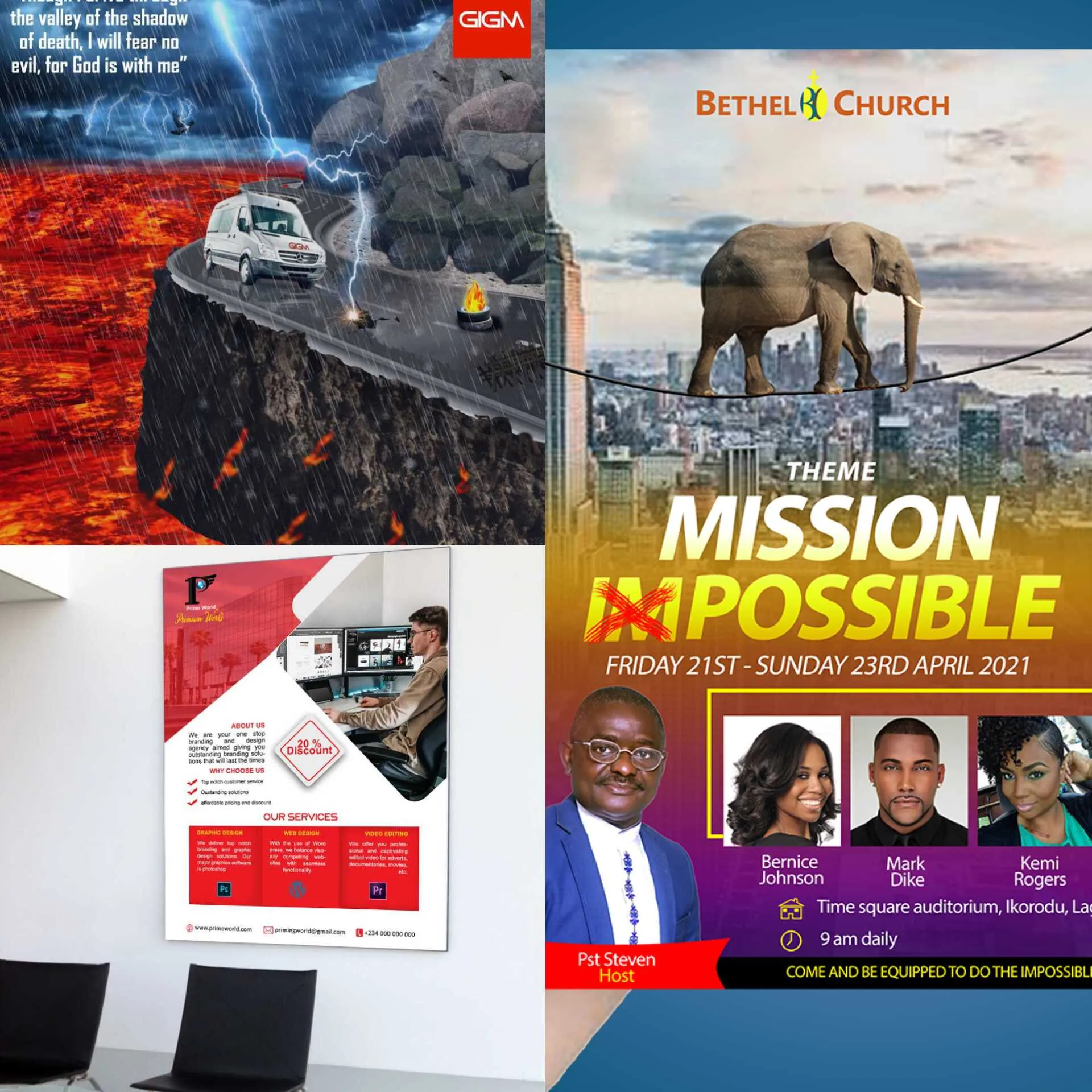
• The third section gives you real life, hands on graphic design projects to create such as Logo designs (4 different kinds of logos), Flyer/Poster designs (agency, church & film), CD album cover design, realistic facial retouching, and composite/photo manipulation.
WHY CHOOSE THIS COURSE?
· My teaching approach is fun, yet very thorough and at a very learnable pace. As a proof, here is the link to watch one of the real life project work done in section 3:
https://drive.google.com/file/d/1NZiX68aOyQDe-y62iBraCRHqdtPE1m6q/view?usp=drivesdk
· You will get just over 11 hours of videos created in a detailed step-by-step fashion with the reason behind each action explained.
· It progressively eases you into mastering Photoshop as it takes you from easy projects to intermediate and finally to professional projects.
. Although it is advised you go step by step particularly for beginners, You can choose to navigate to the section or videos you wish to learn and practice instantly.
· The videos tutorials are project based in nature so you will be well engaged while learning.
· Materials for each video tutorial is made available and the videos are downloadable.
• You will be offered a Prime World certificate once you submit the criteria that shows you have engaged the course effectively.
· I am available to attend to any questions you might have during your design process.
- There are projects for all levels of graphic designers from beginner to professional.
At the end of this course, you will be able to comfortably and easily use Photoshop and it equips you to move on to create more challenging graphic works. There's is something in this course for graphic designers of various kinds- whether you are a newbie, freelancer, career based, design tutor etc.
 By
Prime Worlds digital Edu and Design Valuables
By
Prime Worlds digital Edu and Design Valuables
Multiple Payment Methods Supported